


Bad A+ content wastes expensive traffic. If your product listings look flat or generic, shoppers feel it before they read a word.
The best Amazon A+ content tools in 2026 help you build faster, improve visuals, and catch weak spots before you publish. Some live inside Seller Central. Others handle copy, images, and workflow outside Amazon. The right pick depends on where your team gets stuck.
Key Takeaways
- Amazon’s native A+ tools like Content Manager + AI, Enhance My Listing, and Content Quality Analysis provide a free, approval-safe baseline for fast building and quality checks, ideal for most sellers starting out.
- Third-party tools shine where natives fall short: PicCopilot for standout visuals, Keywords.am for keyword-rich copy, and AiHello for integrated content-PPC workflows.
- Well-crafted A+ content boosts sales up to 8% (Basic) or 20% (Premium); prioritize your weakest area with one native tool plus one specialist, not overlapping stacks.
- Test one ASIN end-to-end and optimize for mobile (970x600px images) to ship sharper pages that build shopper trust and enable cross-selling.
Top Amazon A+ Content Tools Compared
Here’s one of our helpful comparison charts for decision-making, a quick side-by-side view before the deeper breakdown.
| Tool | Type | Best for | Cost | Main drawback |
|---|---|---|---|---|
| Amazon A+ Content Manager + A+ AI | Native | Building approved A+ modules fast | Free | Limited brand nuance |
| Enhance My Listing | Native | Quick listing and content suggestions | Free | Light design control |
| Content Quality Analysis | Native beta | Pre-publish quality checks | Free beta | Limited rollout |
| PicCopilot | Third-party | Image-heavy A+ pages | Custom / unclear | Light analytics |
| Keywords.am | Third-party | Keyword-led A+ copy | $49 to $299/mo | Weaker visual tools |
| AiHello | Third-party | Content plus PPC and catalog workflow | From about $175/mo | More than some teams need |
According to Amazon’s A+ Content overview, Basic A+ content can increase sales up to 8%, while Premium A+ Content can improve conversion rates up to 20% when used well. Native tools win on cost and submission safety. Third-party software wins on visuals, copy depth, and team workflow, helping create high-quality content beyond native capabilities.
Amazon’s Native A+ Content Tools Still Set the Baseline
For Brand Registered sellers, start here. Amazon’s own tools are close to the publishing flow for product detail pages, free to use, and easier to approve than outside design files.
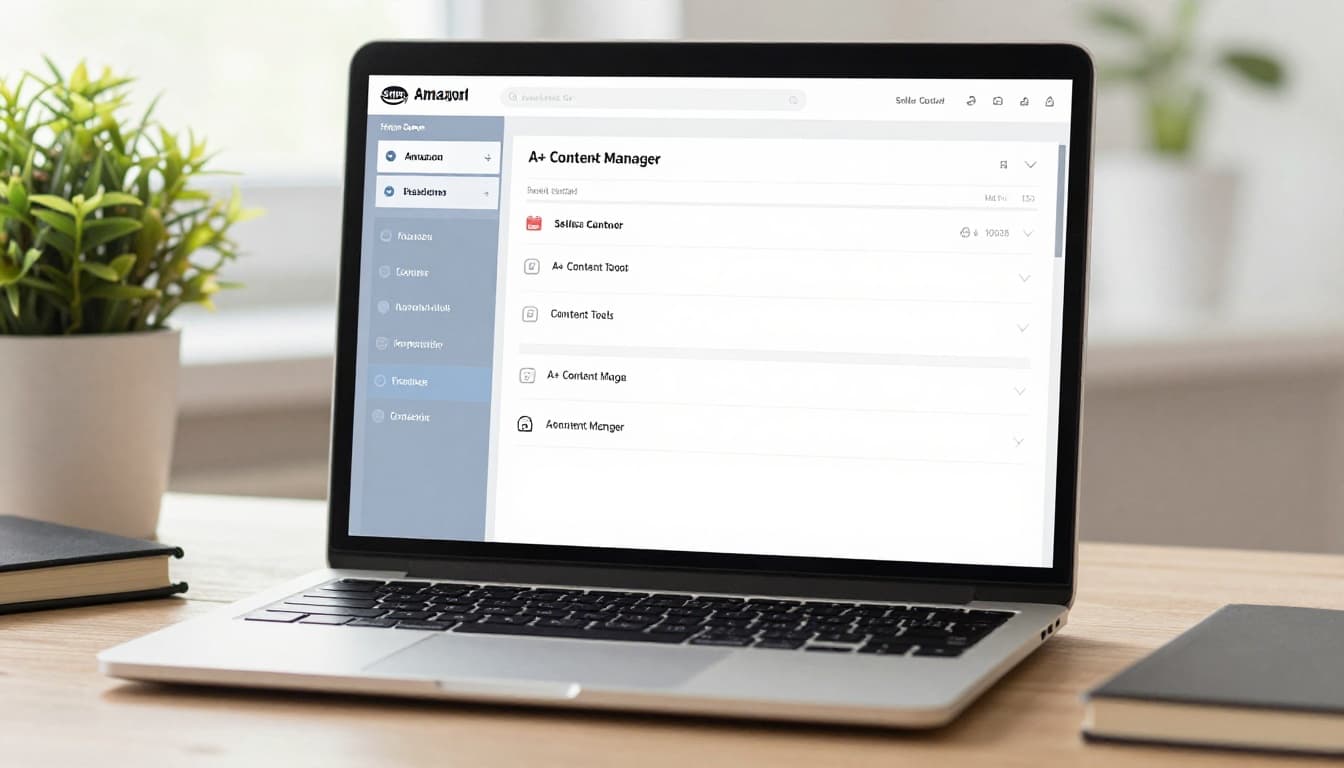
Start with Amazon if approval safety matters more than creative range.
Amazon A+ Content Manager and A+ Content AI
This is the core builder inside Seller Central. It lets you assemble modules, preview desktop and mobile layouts, reuse content across modules, and use generative AI tools for first-draft copy and image suggestions that populate text fields. The big pros are obvious, zero added cost, fast setup, and a direct path to publish. The downside is sameness. Strong brands often need to rewrite the draft so it sounds like them. It’s best for brand owners managing many ASINs who want repeatable output. Its main limit is simple: Amazon helps you build, but it won’t shape a sharper brand story for you.
Enhance My Listing
Enhance My Listing focuses on recommendations, not deep design. Based on recent reporting on Amazon AI listing tools, it surfaces ideas tied to listing gaps and category context. That makes it useful for a fast cleanup pass. You can improve weak copy without adding another app to your stack. Still, it’s not a full A+ design suite, and premium brands may outgrow it quickly. It fits smaller teams that want quick wins inside Seller Central. The main limitation is that suggestions help, but they don’t replace positioning or creative judgment.
Content Quality Analysis
Content Quality Analysis adds a score-style checkpoint before publish. In this breakdown of the Content Quality Analysis rollout, the feature is shown flagging weak coverage, helping sellers stay within A+ content guidelines, and giving brands a clearer quality benchmark. That’s useful when you need a final review step across a large catalog. However, access still varies by account, and a better score doesn’t always mean better conversion. It’s best for teams that want a native QA layer before submission. The limitation is that it measures coverage better than persuasion.
Third-Party Amazon A+ Content Tools That Save the Most Time
Third-party tools matter when Amazon’s builder feels like an empty room. These external software solutions boost creative development and e-commerce design, so the page gains better visuals, smarter copy, and a cleaner workflow for module assembly.
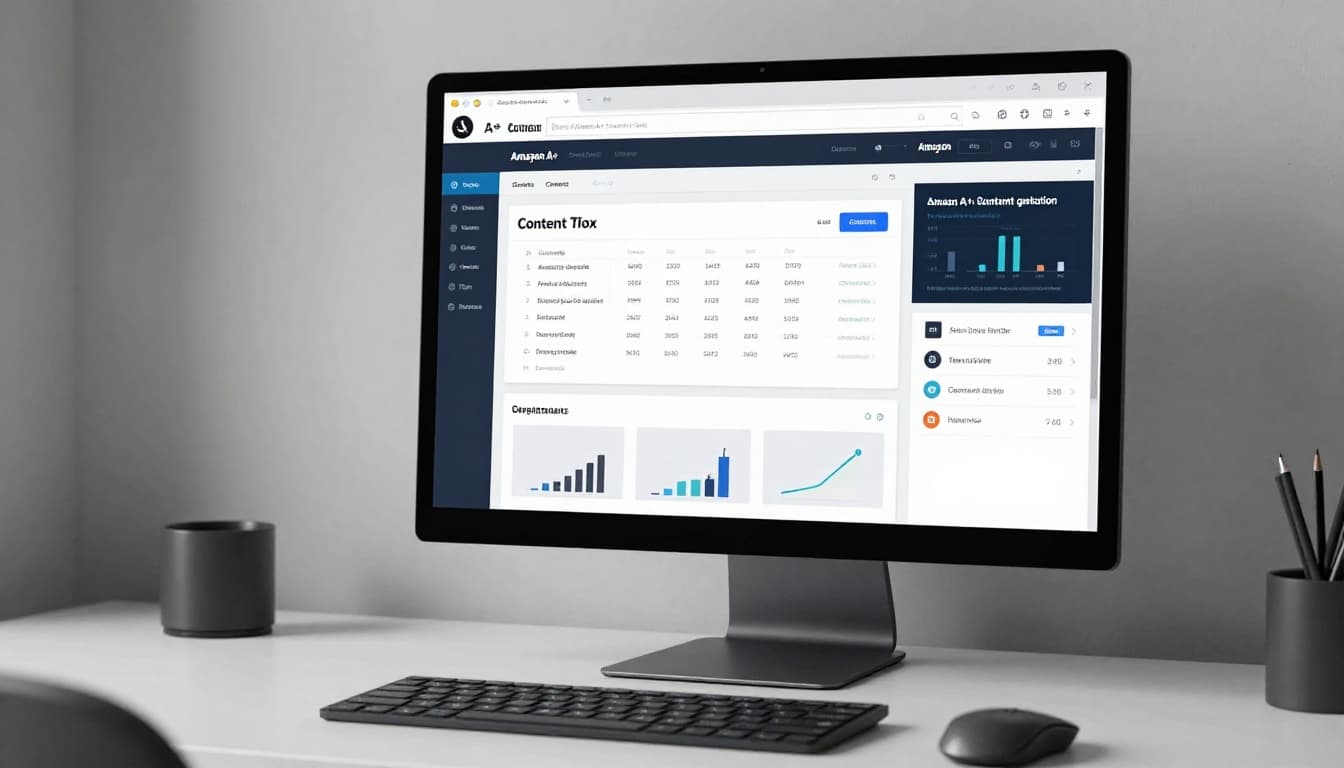
PicCopilot
PicCopilot is the best fit for sellers who struggle more with visuals than words. It can turn a basic product photo into richer scenes like lifestyle photos for various product features, clean backgrounds, and assets that look ready for A+ modules. Its 2026 gallery of strong A+ examples makes the image-first value easy to see. The pros are speed and better-looking creative without a designer on every SKU. The cons are lighter analytics and less emphasis on final module assembly. It’s ideal for beauty, supplements, home, and other image-led categories. The main limit is that great visuals still need a solid message behind them.
Keywords.am
Keywords.am, with Amber AI, leans hard into copy and search language. It pulls ASIN data, suggests buyer terms, and drafts titles, bullets, descriptions, and A+ module text with Amazon selling patterns in mind. That helps when your pages sound vague or repetitive. Its biggest strengths are fast ideation and support across many marketplaces. On the other hand, it doesn’t lead with image design, so creative teams may need a second app. It’s best for agencies and catalog-heavy brands that want keyword-led A+ drafts at scale. The limitation is clear; it improves the words more than the visuals.
AiHello
AiHello sits between content and operations. Besides A+ support, it connects with catalog and PPC work, which helps teams keep product messaging aligned across the full listing. That’s a real plus for agencies and in-house ecommerce managers. Yet the broader feature set can feel heavy if you only need design help, and pricing is higher than single-purpose tools. It’s best for sellers who want one system for ongoing optimization, not a one-time A+ build. The limitation is scope. Small brands may pay for features they won’t use every week.
Frequently Asked Questions
What are the best native Amazon A+ tools?
Amazon’s A+ Content Manager + AI lets you build modules with generative drafts for copy and images, preview mobile/desktop, and publish directly. Enhance My Listing offers quick suggestions for listings, while Content Quality Analysis (beta) scores pre-publish quality. They’re free, safe for approvals, and perfect for repeatable output across ASINs, though they lack deep brand nuance.
When should I choose third-party A+ tools over native ones?
Opt for third-party when Amazon’s tools feel too basic, like needing richer visuals (PicCopilot), keyword-optimized copy at scale (Keywords.am), or full workflow integration with PPC/catalog (AiHello). They excel in creative depth but add cost and require import to Seller Central. Use them to fix specific weaknesses after establishing a native baseline.
Which tool is best for image-heavy A+ pages?
PicCopilot stands out for turning basic photos into lifestyle scenes, clean backgrounds, and module-ready assets, saving time without a designer. It’s ideal for beauty, supplements, or home categories where visuals drive conversions. Pair it with native tools for copy, but note lighter analytics and module assembly.
What’s the smartest A+ tool stack for most brands?
Combine one native Amazon tool (for safety and speed) with one third-party specialist targeting your bottleneck—visuals, copy, or workflow. Avoid buying multiple overlapping tools, which create extra review work. Test on a single ASIN first, focusing on mobile optimization, to ensure faster publishes and sharper pages.
Which Amazon A+ Content Tool Fits Your Workflow?
Pick the tool that fixes your slowest step. If approvals drag, stay native. If your images look weak, PicCopilot will likely help more than another copy app. If your copy lacks buyer language across many SKUs, Keywords.am is the stronger buy. Teams that manage A+ alongside ads and catalog work will get more value from AiHello.
For most brands, the smartest stack is one native Amazon tool plus one outside specialist.
That combo keeps publishing simple while improving either copy or visuals. Prioritize mobile optimization with the standard 970x600px image size to ensure sharp displays everywhere. Buying three overlapping tools often creates more review work, not better pages. Before you subscribe, run one ASIN from brief to publish and watch where time disappears.
A+ content, evolved from the legacy Enhanced Brand Content, still works in 2026, but the bar is higher. Shoppers spot generic modules fast, and AI-only copy stands out for the wrong reasons.
The best move is not to buy the biggest stack. Use Amazon’s native tools as your base, then add one specialist where your team is weakest. For Amazon FBA sellers, this approach builds trust with shoppers through polished pages that enable cross-selling within your brand’s catalog. If your next few ASINs ship faster and look sharper, you’ve picked the right tool.