


Money can slip through Fulfillment by Amazon (FBA) in small, easy-to-miss chunks. Lost or damaged inventory here, then a return that never gets credited back there. Amazon FBA reimbursements are essential for protecting margins on the Amazon marketplace; if you aren’t checking those gaps, amazon reimbursement tools can recover revenue that would’ve stayed buried in reports.
In 2026, the split is simple. Some tools show you the issue and let your team file claims, while others handle the full process for a percentage of what they recover. With filing windows tighter than they used to be, speed matters, as RevenueGeeks’ 2026 reimbursement software review also points out.
What good reimbursement software does now
Amazon Selling Partner users rely on top reimbursement software for a comprehensive FBA audit of their accounts. The best tools don’t only flag lost inventory. They also look for lost or damaged inventory, shipment discrepancies, uncredited customer returns, and fee discrepancies. In other words, they work like a sharp bookkeeper who never gets bored.
DIY software fits sellers who want to keep all recovered funds. Managed services fit teams that don’t want another weekly admin task. For larger brands and agencies, case tracking, user access, and audit depth matter as much as the scan itself.

Context matters, too. Some sellers want an automated reimbursement service that simplifies claim filing, turning what used to be a leak into a steady revenue stream, and nothing else. Others prefer reimbursements inside a larger seller stack, which is why broader references like Nova Analytics’ 2026 Amazon FBA tools overview still help when you compare fit.
If a tool charges a percentage of recoveries, judge it against the time it saves, not only the fee.
Tool comparison at a glance
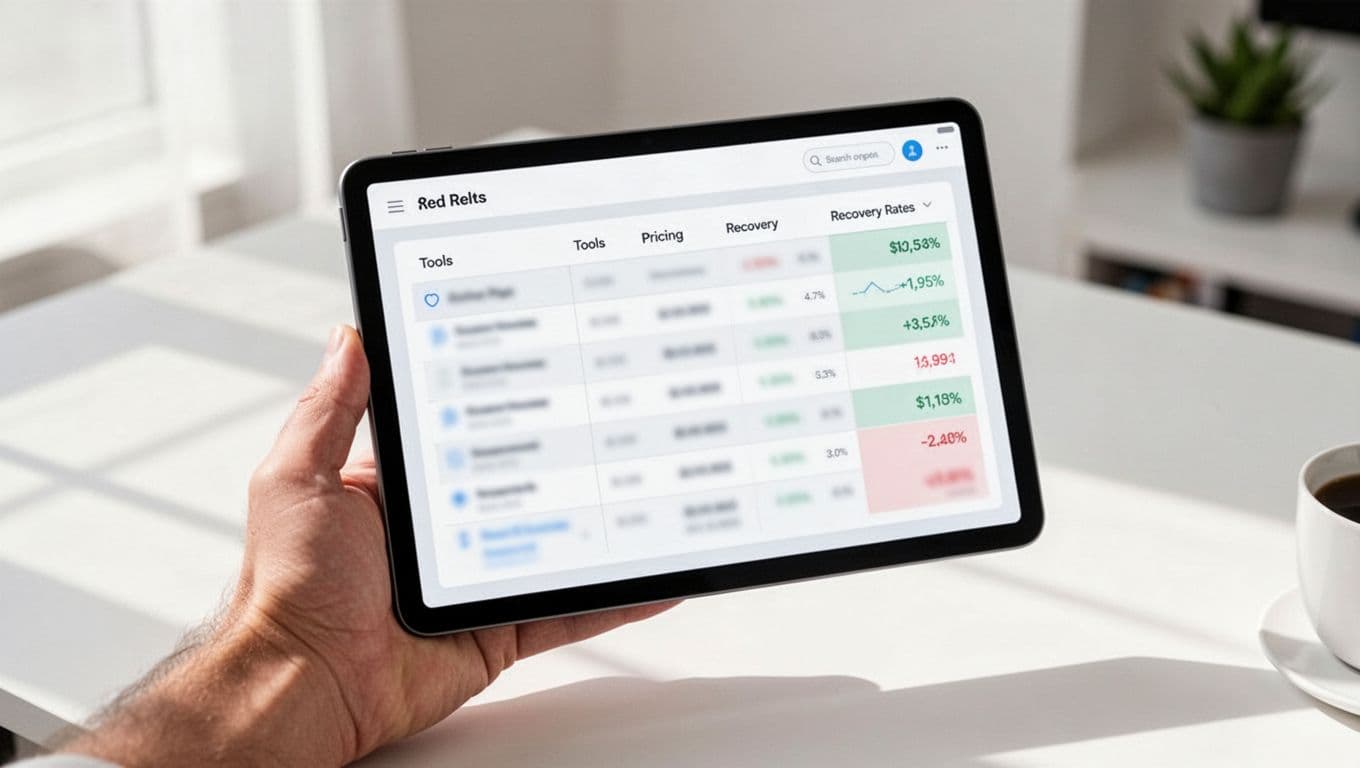
Public pricing in 2026 still shifts by plan, marketplace, and contract terms. This quick table compares reimbursement tools, including those offering an Amazon refund manager experience with performance-based pricing, keeping the comparison practical.
| Tool | 2026 pricing model | Best for | Main limitation |
|---|---|---|---|
| GETIDA | 10 to 25% of recovered funds | Hands-off recovery | You give up part of each reimbursement |
| Sellerboard | About $15 to $39 per month | Low-cost DIY users | Manual claim submission |
| Threecolts SellerBench | Around 12 to 18% commission | Teams that want case managers | Commission reduces net recovery |
| Helium 10 Refund Genie | Included in plans around $29 to $99+ per month | Existing Helium 10 users | Expensive if reimbursements are your only need |
| InventoryLab | About $49 per month | Sellers already using inventory workflows | Less appealing as a reimbursement-only buy |
The pattern is clear. Managed tools save time but take a cut of the recoverable funds identified by the scans. DIY tools cost less over time, yet your team has to review, file, and follow up.
The best amazon reimbursement tools in 2026
GETIDA
GETIDA stays near the top for sellers who want Amazon FBA reimbursements handled off their plate. Its commission-only model, usually 10 to 25 percent of recovered funds in current 2026 references, means there’s no big upfront software cost. It also scans older data, keeps monitoring active accounts, and handles claim filing for you.
That makes it a strong fit for aggregators, agencies, busy brand owners, and Amazon vendors using third-party software. The trade-off is easy to see: if your team could file claims well on its own, the commission will feel expensive.
Sellerboard
Sellerboard remains the value pick. For roughly $15 to $39 per month, it combines profit analytics with reimbursement reporting that identifies fee discrepancies like incorrect fees related to weight and dimension fees, plus one-click claim support. You keep the recovered money, which margin-focused sellers usually like.
Still, sellerboard makes the most sense when someone on your team will act on the findings. If claims sit untouched in a dashboard, the lower monthly fee doesn’t help much.
Threecolts SellerBench
SellerBench, now part of Threecolts, is a good middle ground for sellers who want managed support without a large upfront bill. As an automated reimbursement service that aligns with the FBA inventory reimbursement policy, a free initial scan lowers the risk, while case managers handle filing and tracking once issues appear. Public 2026 references place pricing around 12 to 18 percent of recovered funds.
The main drawback is the same one you get with any service model. You save time, but you won’t keep the full reimbursement amount.
Helium 10 Refund Genie
Refund Genie works best for sellers already inside Helium 10, targeting lost or damaged inventory. Reimbursement checks come bundled with a broader seller suite, often priced around $29 to $99 or more depending on the plan. If you already use Helium 10 for research and operations, adding reimbursement checks is an easy win.
On the other hand, it’s harder to justify as a reimbursement-only purchase. You’re paying for a lot more software than missed-claim recovery alone.
InventoryLab
InventoryLab is the practical choice for sellers who already depend on it for listing, inventory, and workflow management. Its reimbursement finder tools help with claim filing for customer returns and sit inside that daily workflow, and public pricing references put it near $49 per month. That setup reduces tool sprawl, which many small teams appreciate.
However, InventoryLab isn’t the cleanest pick if your only goal is missed-claim recovery. In that case, a specialist or lower-cost DIY option may fit better.
Some other names still show up in 2026 roundups for handling lost or damaged inventory and Amazon FBA reimbursements, but public pricing and current feature details are thin for a fair comparison. That matters. As Levi’s Toolbox’s reimbursement software comparison makes clear, positioning can look similar on paper while the real workflow feels very different in practice.
How to choose the right fit
Start with your operating style for Amazon FBA reimbursements. If your team checks reports every week by logging into Seller Central to perform account auditing, a DIY tool like sellerboard usually gives the best value. If claims tend to pile up, a managed option like GETIDA or SellerBench often wins because unused insights don’t recover cash.
Then look at account size and tool overlap, including inventory reconciliation and discrepancy identification. A solo seller may prefer flat monthly pricing. An agency or aggregator may care more about audit depth, case management, and account-level visibility in Seller Central. Also check how far back the audit goes, which claim types are covered, and whether pricing changes after the first scan. Reviewing FBA transactions in Seller Central helps recover lost profits, and a thorough FBA audit can prevent the need for manual claim submission.
The right software isn’t the one with the boldest promise. It’s the one your team will use before claims expire, especially when logging into Seller Central for routine account auditing.
Run one audit this month and compare recovered dollars against the fee. Missed claims aren’t exciting, but they can quietly add back profit you already earned.